Plugin Screenshots & Details
See the MBTI Personality Test WordPress plugin in action. Explore features, screenshots, and usage instructions.
📸 Screenshots
Click any screenshot to view full-size.
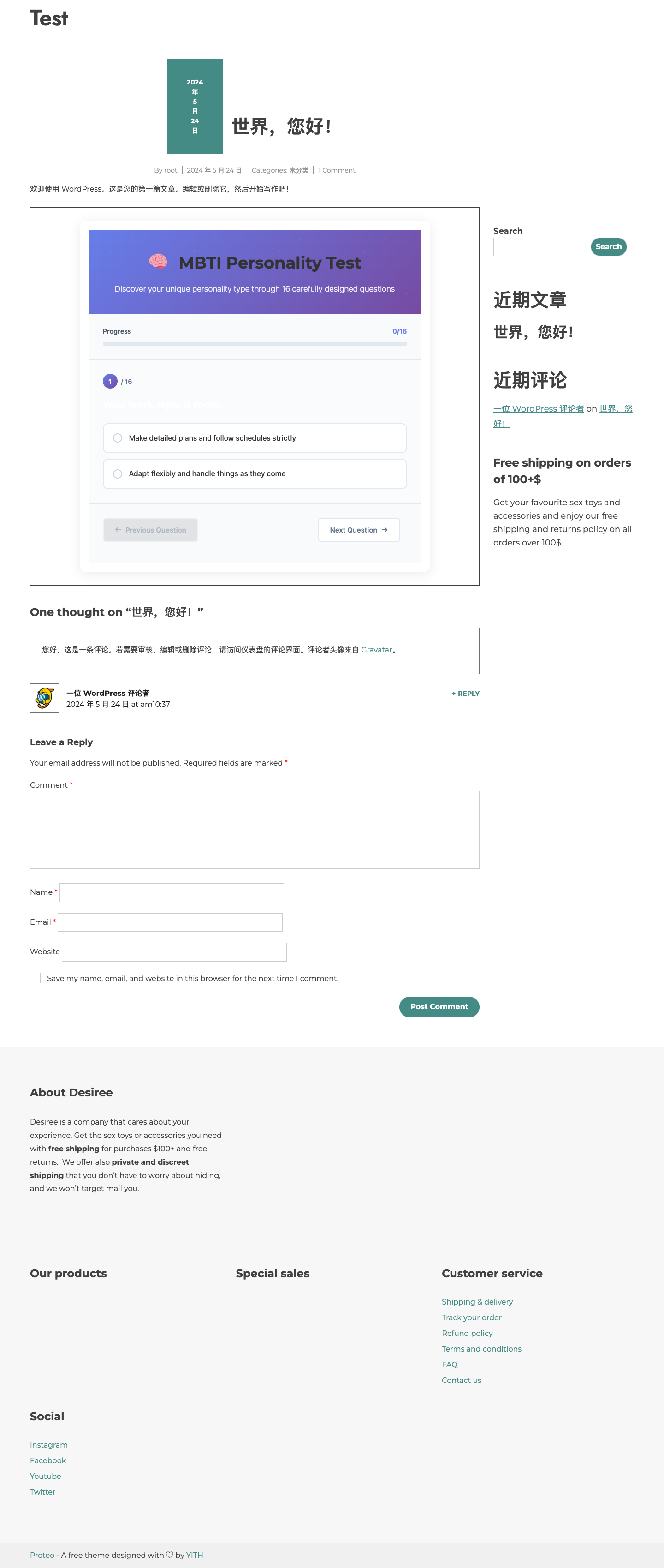
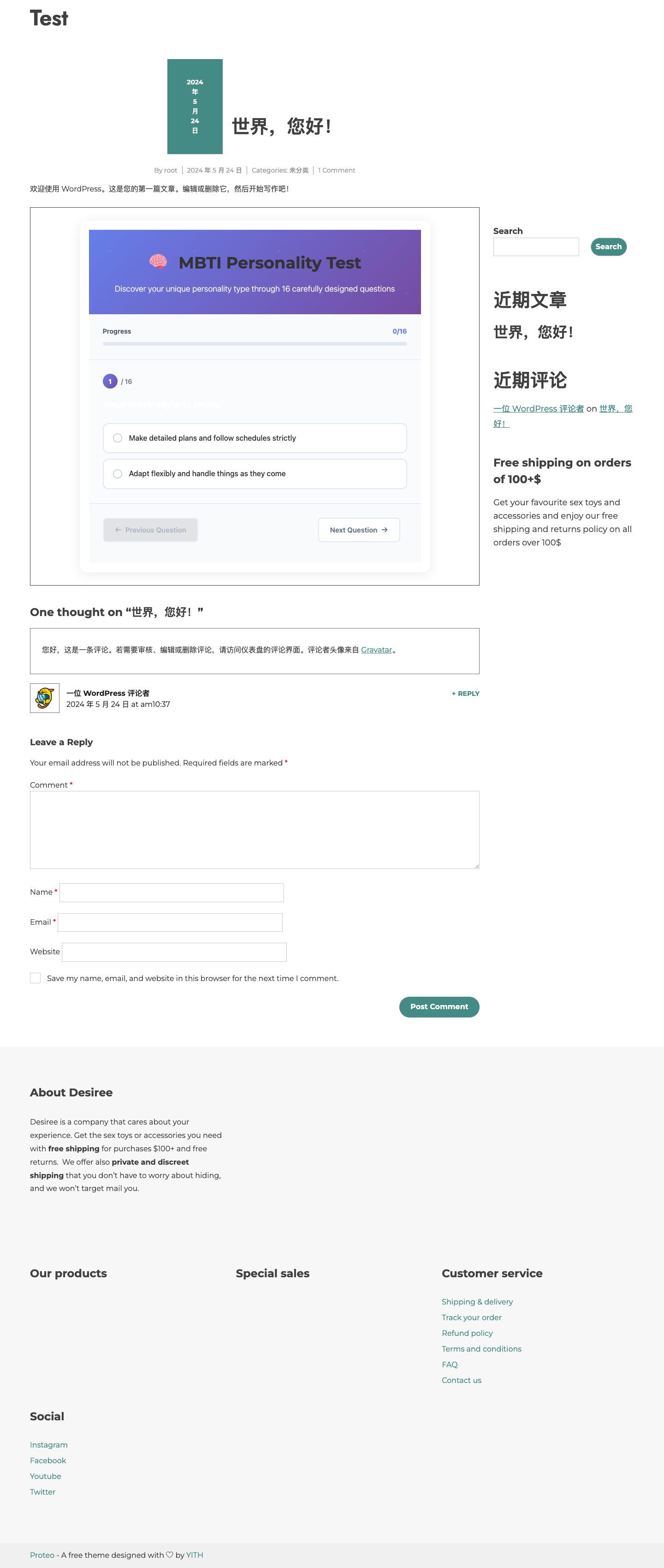
Test start page with a clear introduction and begin button
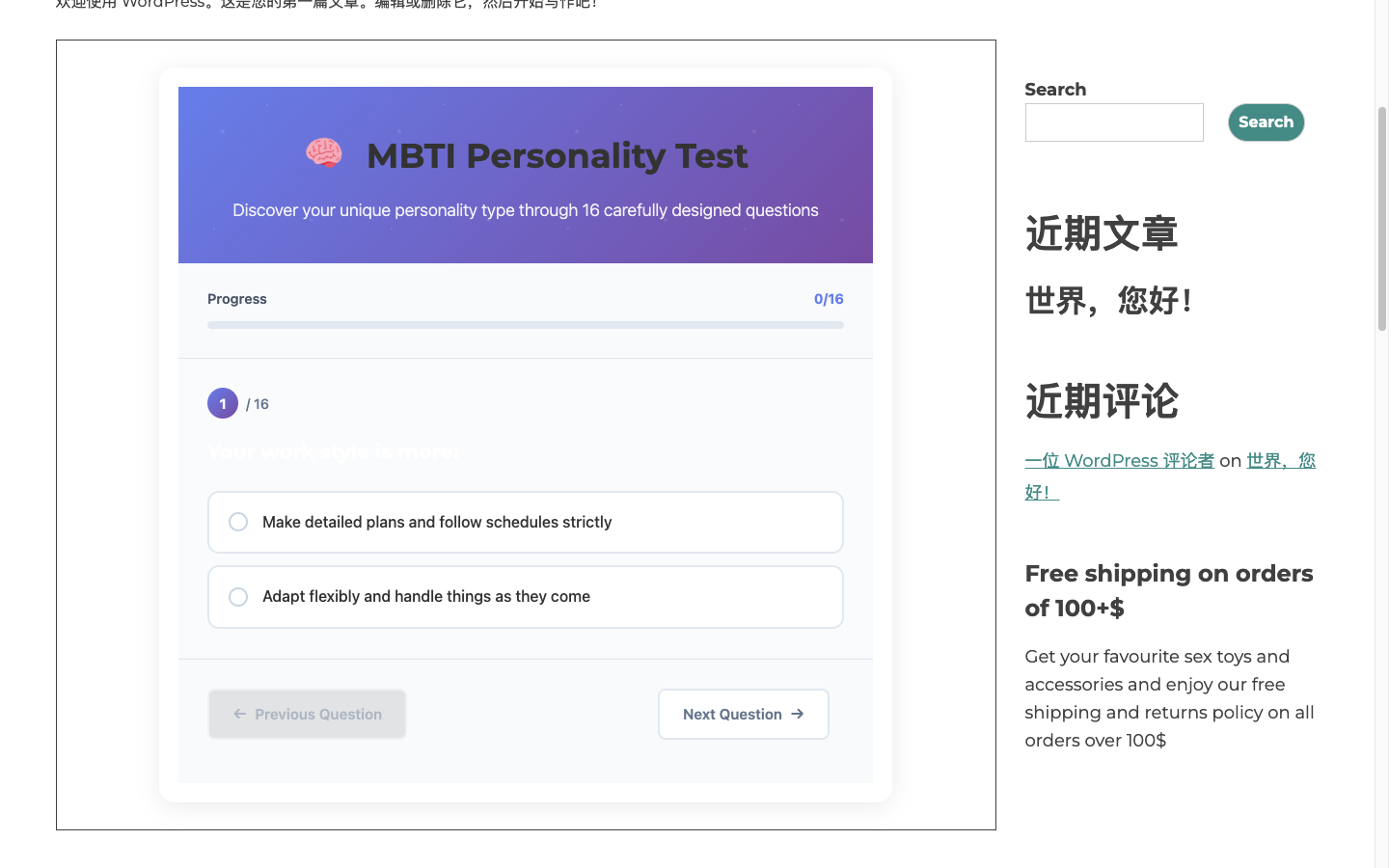
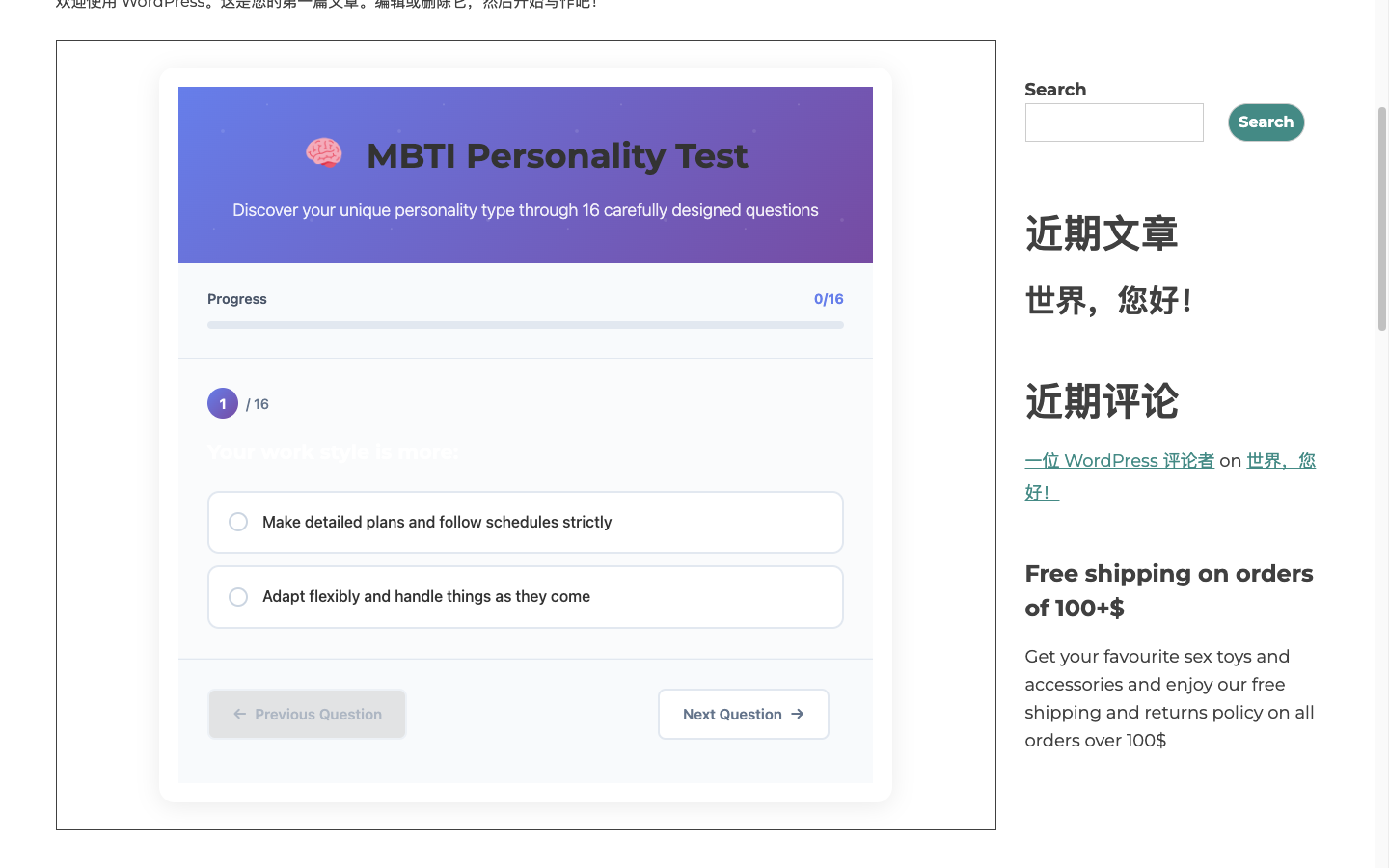
Question in progress with progress bar and option cards
Last question view with "Submit" button and validation
Instant result display with personality type and description
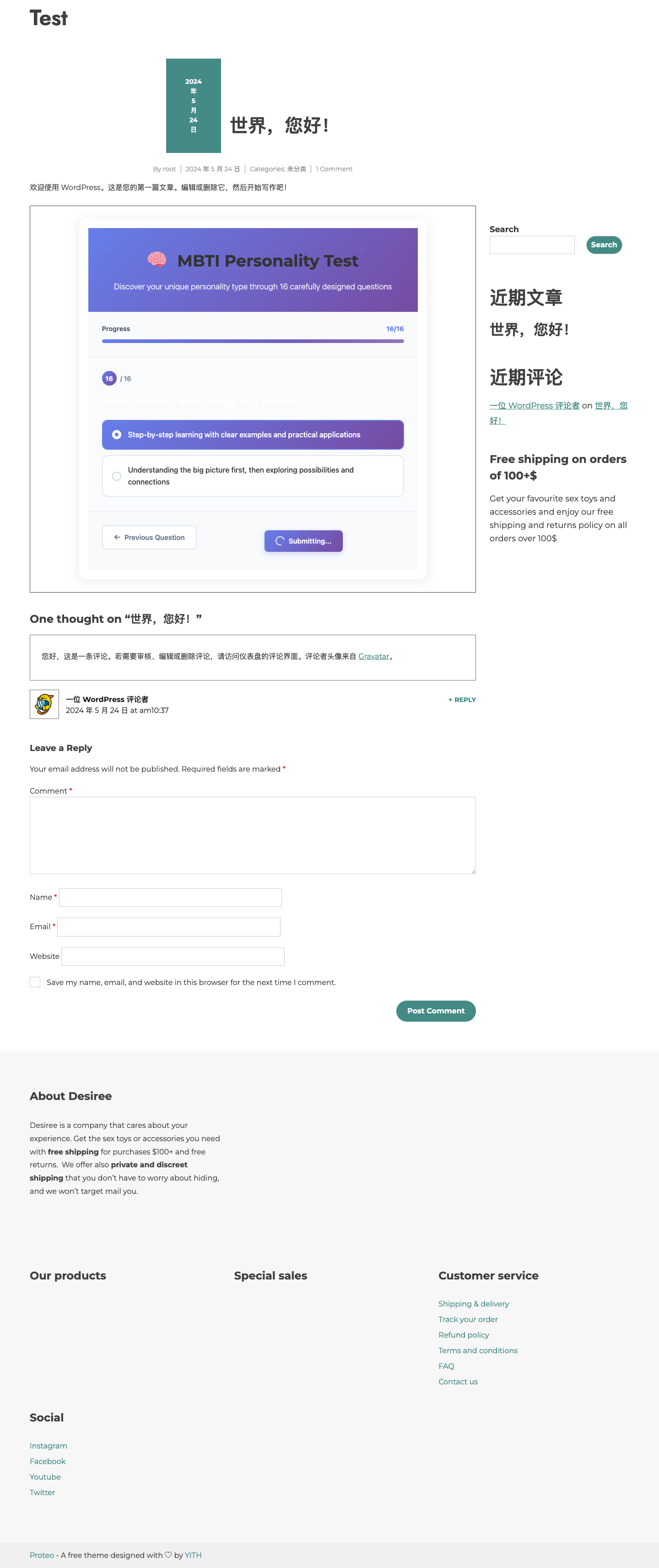
Detailed result with type breakdown and sharing options
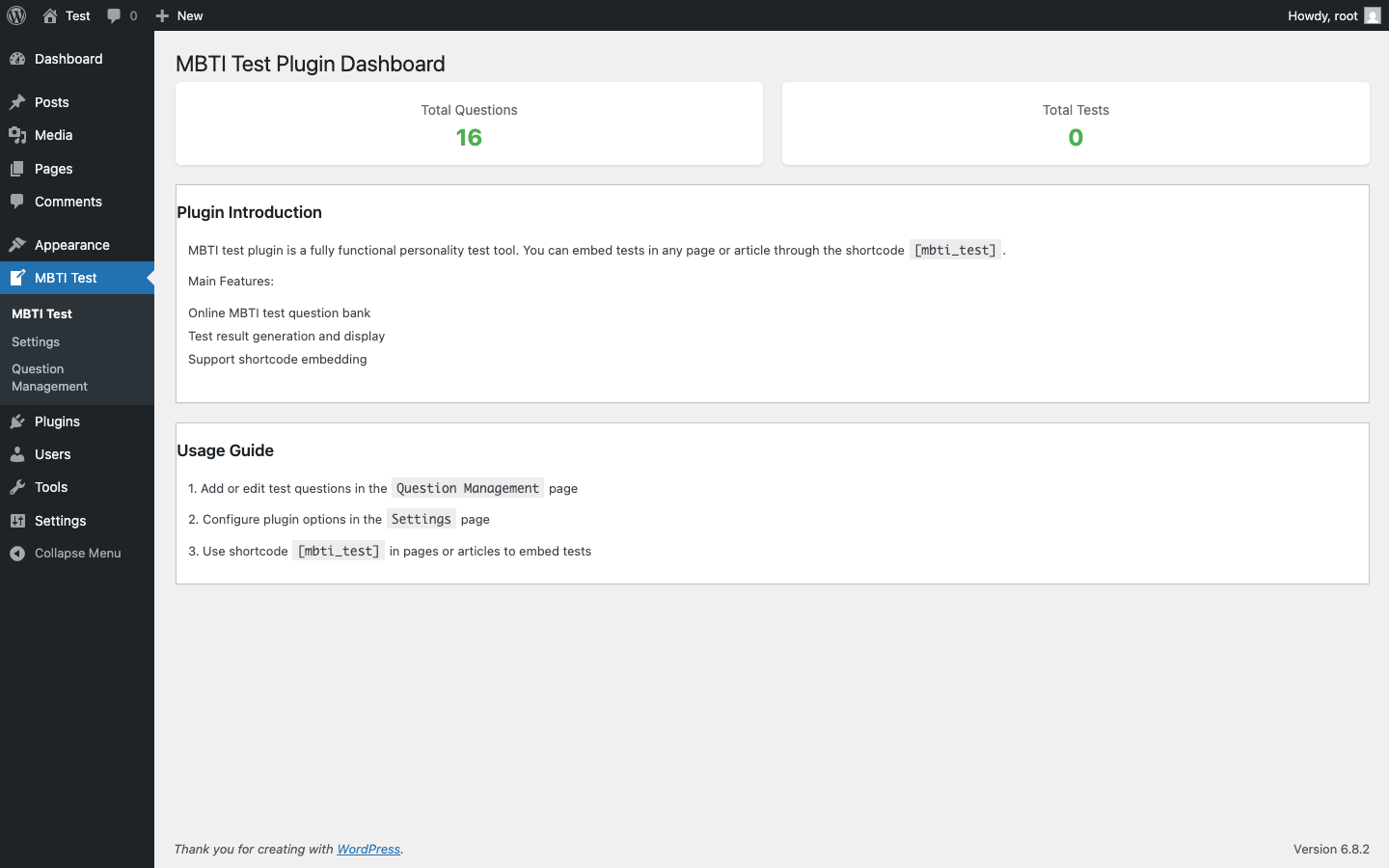
Admin dashboard with statistics and management tools
🔍 Features in Detail
Everything the MBTI Personality Test plugin offers out of the box.
🧠 Complete Assessment
- 16 carefully crafted questions across 4 MBTI dimensions
- Auto-navigation after each selection
- "Submit" button only appears on the last question
- Completeness validation with user-friendly warnings
🌍 Multi-Language
- JSON-based local question bank
- Automatic language detection (English / Chinese)
- Easy to extend with additional languages
- All UI text fully translatable via .mo/.po files
🎨 Modern Interface
- Responsive design for all screen sizes
- Smooth transitions and progress tracking
- Custom radio button styling
- Dark mode support (auto-detects system preference)
🔒 Privacy & Security
- Zero user data stored or transmitted
- All processing done client-side in the browser
- Follows WordPress coding standards
- Secure escaping of all dynamic text
📖 Usage Instructions
Get the plugin up and running in three simple steps.
- Install and activate the plugin from your WordPress admin dashboard or download from WordPress.org.
- Insert the shortcode [mbti_test] into any page or post.
- Configure advanced settings via the "MBTI" menu in the WordPress admin dashboard.
Optional shortcode parameters: show_progress="true/false" show_share="true/false"
Open Source · GPLv2 or later · Text Domain: mbti-personality-test · Developed by PFinalClub